
Turn your PDF CV into a clean freelancer CV
Upload the CV you already have. Steerd reads it into a structured CV that you edit, tailor to each project and export as a PDF or Word file.
A sample CV as a PDF, and the CV the import made of it, saved without any edit. The person in it is made up.
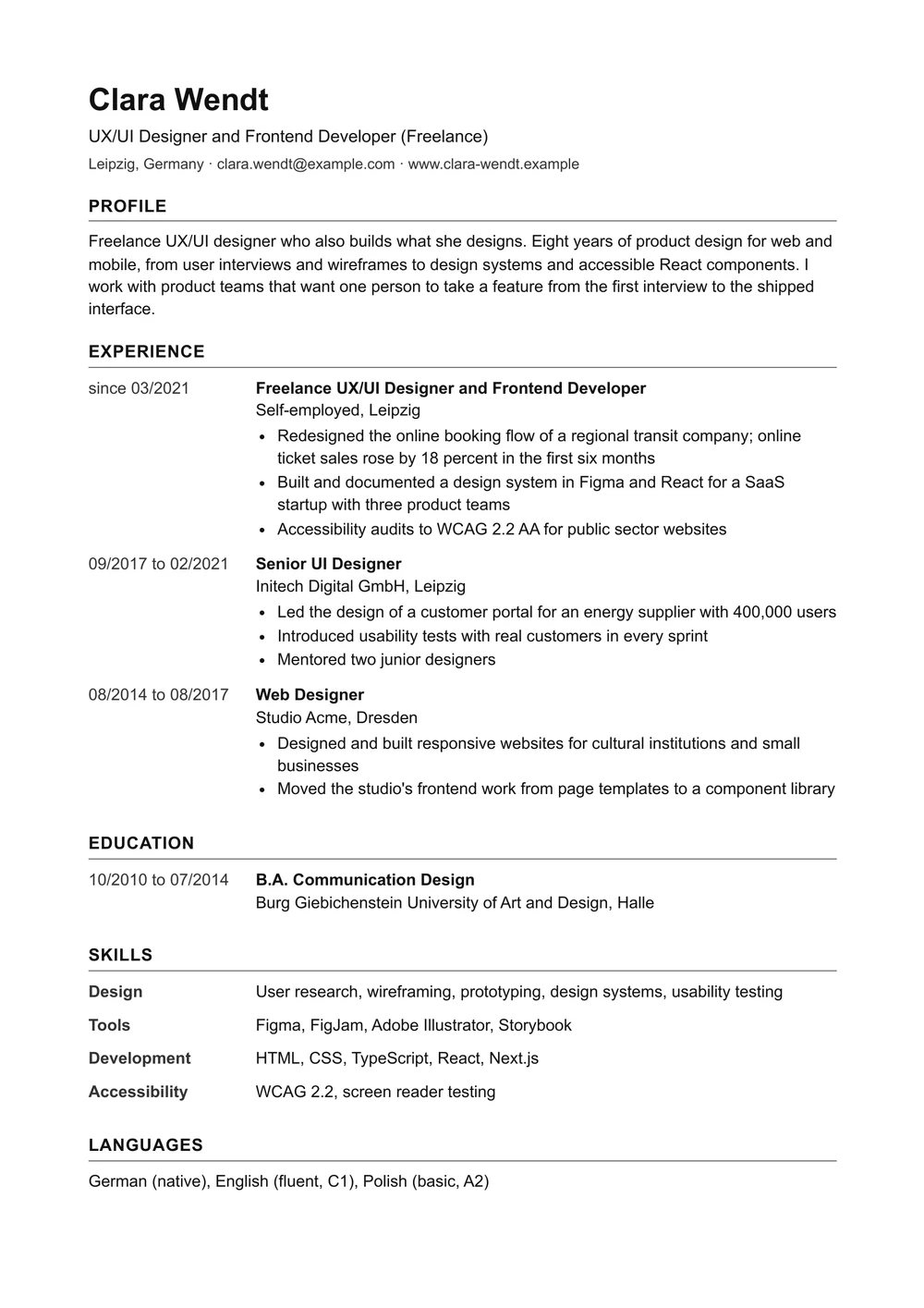
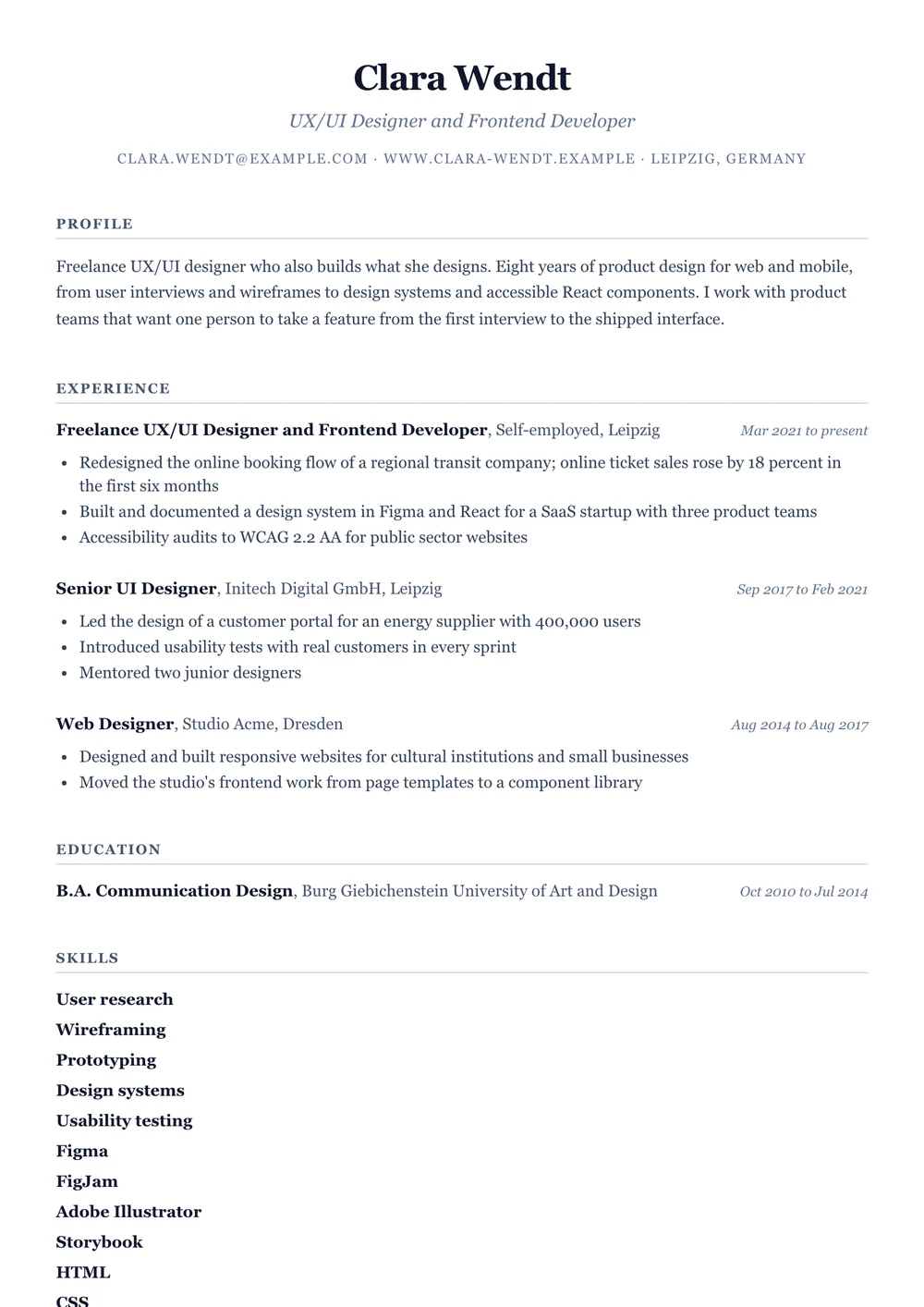
What the import read, field by field
Everything the import returned, unedited, with the dates written out. In the app this opens in the editor, where you check it and change what you like before you save.
- Name
- Clara Wendt
- Headline
- UX/UI Designer and Frontend Developer
- clara.wendt@example.com
- Website
- www.clara-wendt.example
- Location
- Leipzig, DE
- Profile
- Freelance UX/UI designer who also builds what she designs. Eight years of product design for web and mobile, from user interviews and wireframes to design systems and accessible React components. I work with product teams that want one person to take a feature from the first interview to the shipped interface.
Experience
Freelance UX/UI Designer and Frontend Developer, Self-employed, Leipzig
- Redesigned the online booking flow of a regional transit company; online ticket sales rose by 18 percent in the first six months
- Built and documented a design system in Figma and React for a SaaS startup with three product teams
- Accessibility audits to WCAG 2.2 AA for public sector websites
Senior UI Designer, Initech Digital GmbH, Leipzig
- Led the design of a customer portal for an energy supplier with 400,000 users
- Introduced usability tests with real customers in every sprint
- Mentored two junior designers
Web Designer, Studio Acme, Dresden
- Designed and built responsive websites for cultural institutions and small businesses
- Moved the studio's frontend work from page templates to a component library
Education
B.A. Communication Design, Burg Giebichenstein University of Art and Design
Skills
- User research
- Wireframing
- Prototyping
- Design systems
- Usability testing
- Figma
- FigJam
- Adobe Illustrator
- Storybook
- HTML
- CSS
- TypeScript
- React
- Next.js
- WCAG 2.2
- Screen reader testing
Languages
- German (native)
- English (fluent, C1)
- Polish (basic, A2)
Certificates
- Certified Professional for Usability and User Experience, Foundation Level (CPUX-F), UXQB, 2022
Try it with your own CV
Upload your PDF after signing up: 30 days of full features, no credit card.
After the 30 days your account becomes a free account, and nothing you made is deleted. The free plan includes one CV, which you keep editing and download as a PDF or Word file. Importing another file needs a paid plan, and while you have more than one CV, you can read and download them but not edit them.
How the import works
Once you have signed up, you upload your CV as a PDF, a Word file or a picture of the page. Steerd reads the text, sorts it into the parts of a CV and opens the result in the editor. Nothing is saved until you save it.
- About you. Your name, your headline, your contact details and the profile at the top.
- Experience. Each job with its title, the employer or client, the place, the dates and the points underneath.
- Education, skills, languages and certificates, each in a section of its own.
- Dates in one format, whatever your PDF used, so every design prints them the same way.
Read it through before you save
The import reads the CV in the language it is written in and translates nothing. It can still put a line in the wrong place or misread a date, so read through the editor before you save, the way you would proofread a CV somebody typed up for you.
Then the CV works for you
A CV in Steerd is not a file you write once and forget. Tailor a copy to each project and keep every version, so you always know what a client received. It sits in the same place as the inquiries, the hours and the invoices of the work it helps you win.
Questions people ask
Which files can I import?
A PDF, a Word file (.docx), or a picture of your CV as PNG, JPEG or WebP.
My PDF is a scan. Does that work?
Not as a PDF. A scanned PDF holds a picture of the text rather than the text itself, so there is nothing to read. Upload a screenshot or a photo of the page instead, because the import reads pictures too.
What happens to my file?
Steerd does not store it. The file goes to OpenAI, which reads it on our behalf, and the result comes straight back to your editor. Nothing is saved until you save the CV. OpenAI is on our list of subprocessors.
Can I change what the import read?
Yes. The result opens in the editor before anything is saved, and you change it there like any CV you wrote yourself.
Do I need a paid plan?
Not to try it. Every new account gets 30 days of full features, the import included, without a credit card. After the 30 days your account becomes a free account, and nothing you made is deleted. The free plan includes one CV, which you keep editing and download as a PDF or Word file. Importing another file needs a paid plan, and while you have more than one CV, you can read and download them but not edit them.
Is the CV on this page a real person?
No. Clara Wendt is made up, and so are her employers and her contact details. The import is real: the after picture is one run of it on the sample PDF, saved and photographed without any edit.
Read next
Start from the CV you already have.
Sign up and confirm your email. Right after the short first-run setup, the import is waiting for your PDF.
30 days full features · No credit card